 JWW Bridge
Convert DXF to JWW
Turn DXF files from other CAD software into JWW drawings for people who use Jw_cad.
Steps
- Choose File > Convert DXF to JWW…, or open a .dxf file in JWW Bridge. A DXF tab opens.
- Check the converted result in the preview in the middle.
- Check the Paper and Scale on the right. Both are chosen automatically, but you can change them.
- Click Save as JWW…, then choose where to save the file.
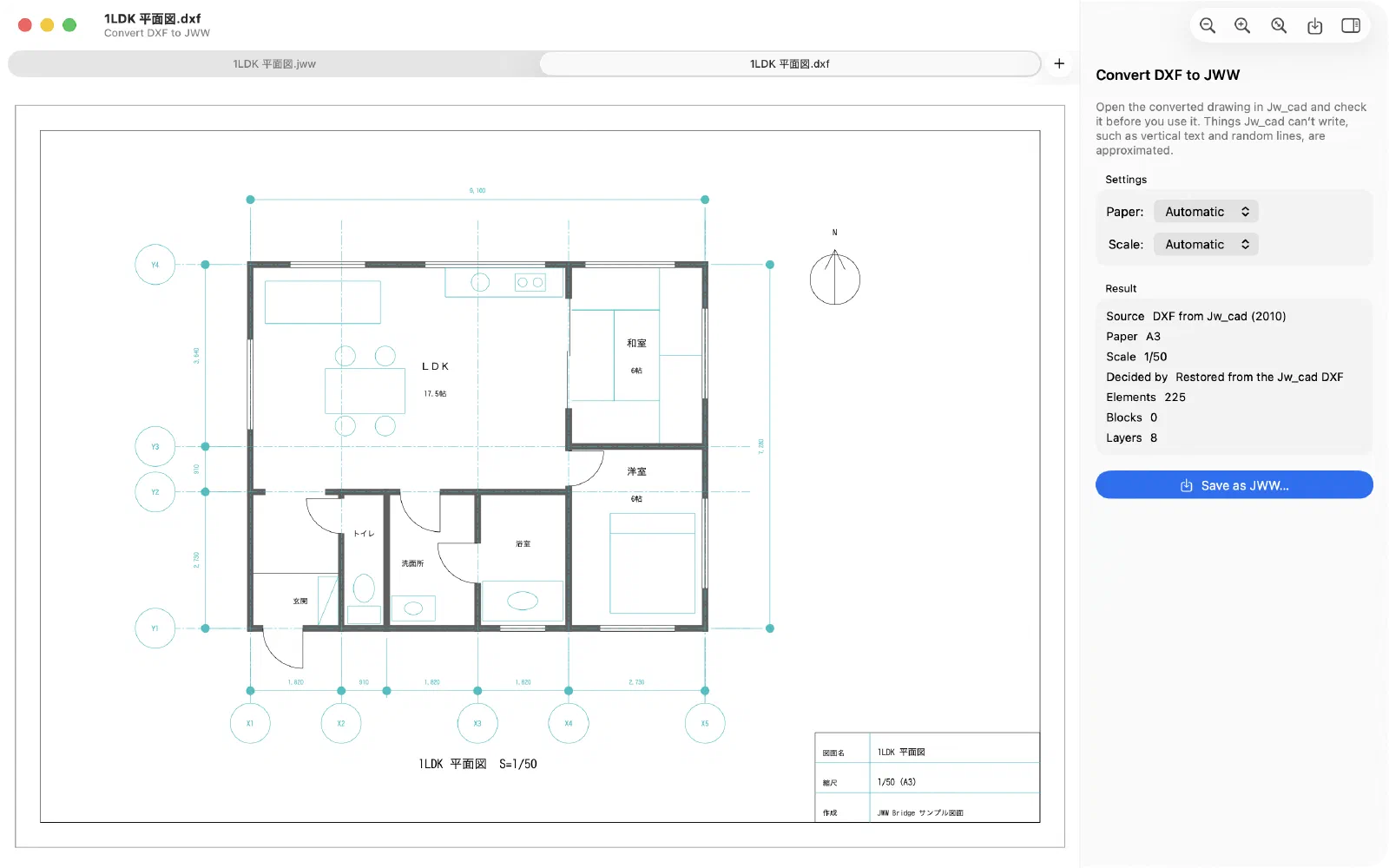
DXF files exported from Jw_cad
For DXF files exported from Jw_cad (R12 or 2010), JWW Bridge restores the paper size, scale, layer groups, layer names, colors and line types as closely as possible.
Please note
- Things the JWW format can’t hold are converted to the closest equivalent: vertical text becomes one text per character, random lines become solid lines, and so on. The Result section on the right lists what was converted and how.
- In older versions of Jw_cad, such as 8.25a, characters that are not in Shift-JIS (such as Simplified Chinese) appear as “?”.
- Always open the converted drawing in Jw_cad and check it before you use it.
To convert many DXF files, use JWW (from DXF) in Batch conversion.
Last updated: 2026-11-10 · Still stuck? Visit the support page.