 JWW Bridge
Getting started
Requirements
- macOS 15 or later
- A Mac with Apple silicon (M1 or later)
- Languages: Japanese, English, Simplified Chinese, Traditional Chinese, Vietnamese and Korean. Change it in JWW Bridge > Settings… > General > Language (JWW Bridge restarts to apply it).
Try it with the sample drawing
- Download JWW Bridge from the App Store and open it.
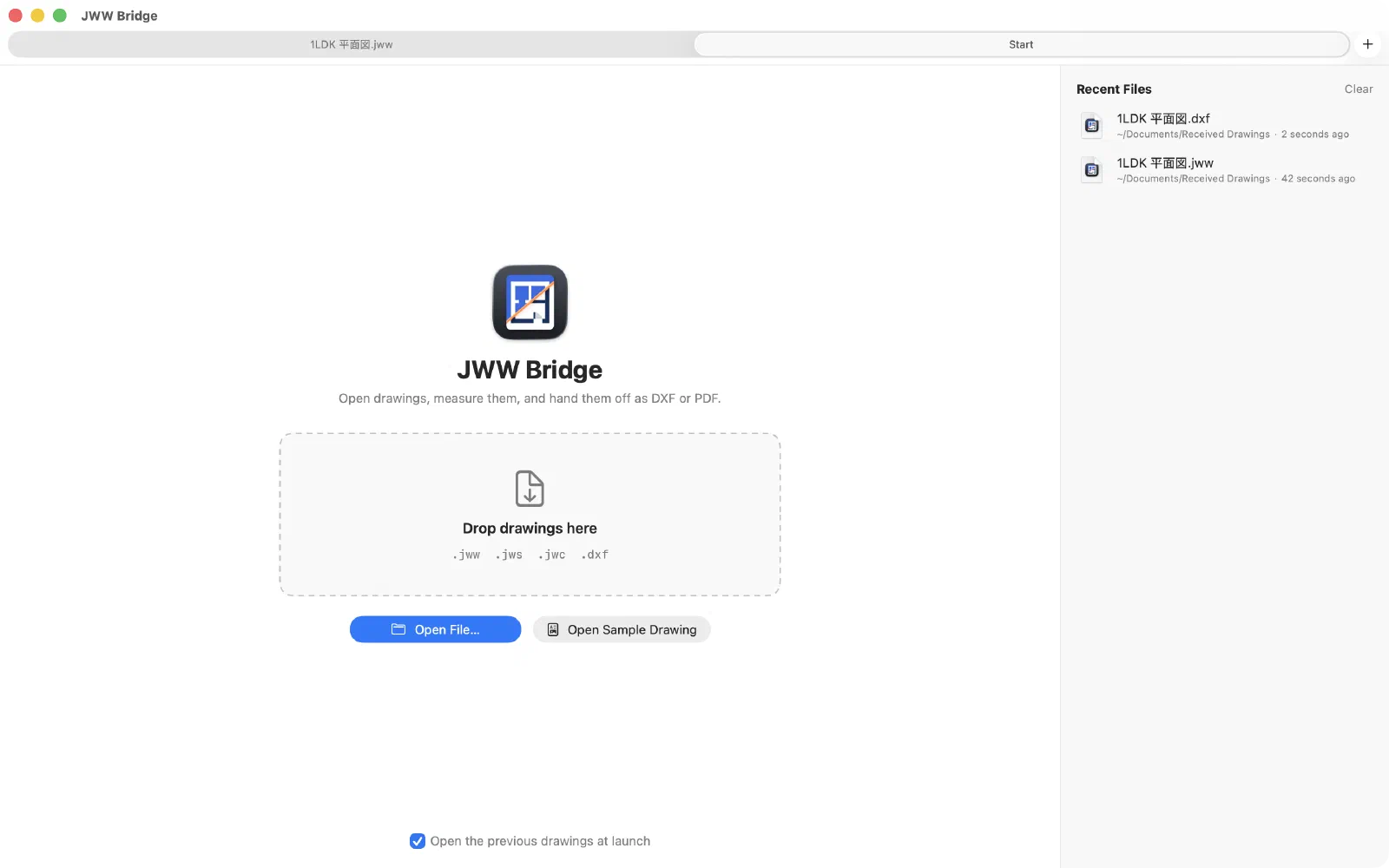
- On the start screen, click Open Sample Drawing. A 1LDK floor plan that we drew opens.
- To try measuring and exporting, start the free trial with Try Free for 7 Days. Starting the trial is free and doesn’t charge you later. See Free trial and purchase.
A tour of the window
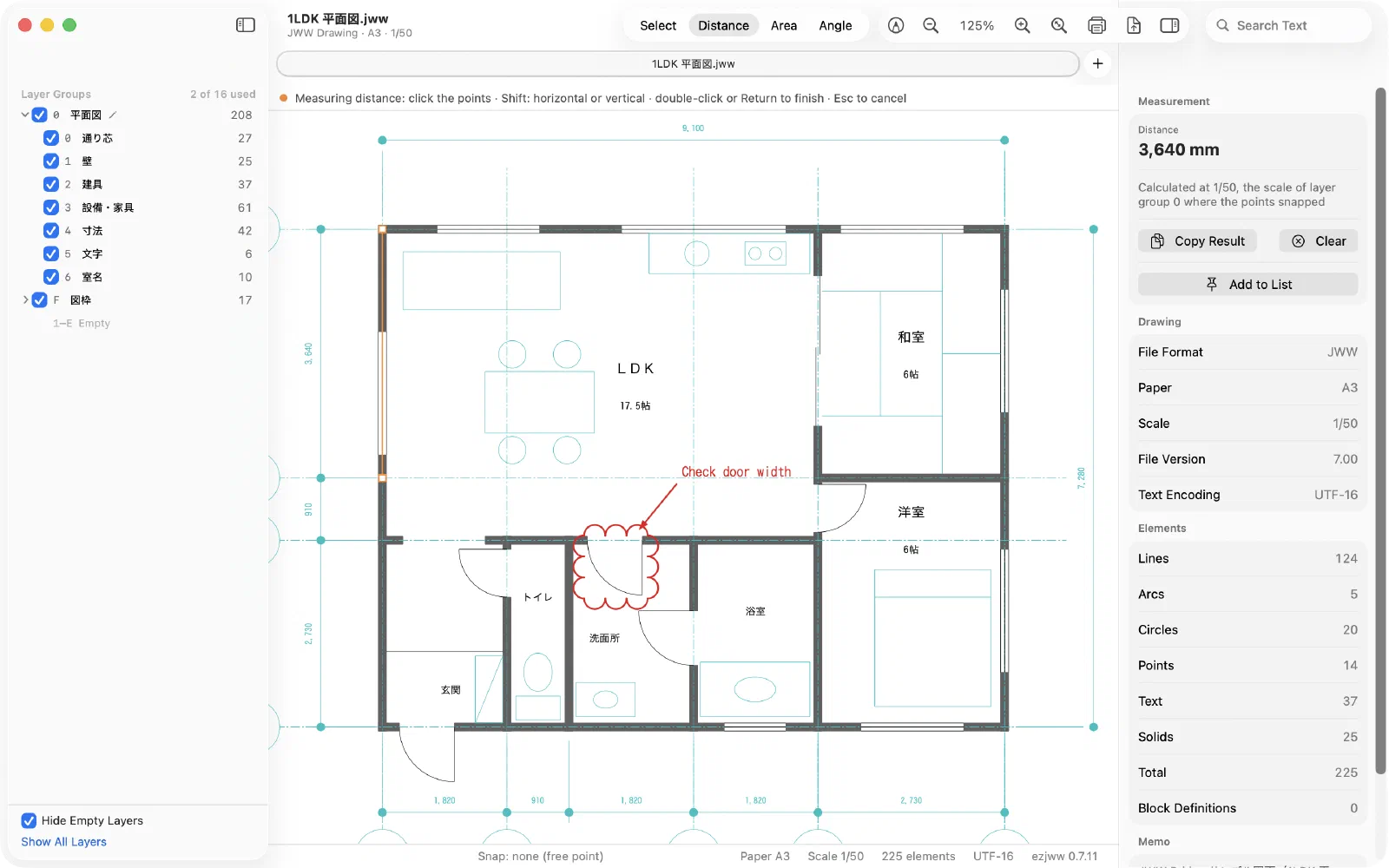
- Left: layer groups and layers. Click to show or hide them.
- Center: the drawing. Zoom with ⌘+ and ⌘−; press ⌘0 to see the whole drawing.
- Right: measurement results, the Measurement List and Drawing Info (paper, scale, text encoding and more).
- Top: tools (Select, Distance, Area, Angle), markup and text search.
Read next
Last updated: 2026-11-10 · Still stuck? Visit the support page.